
Menu
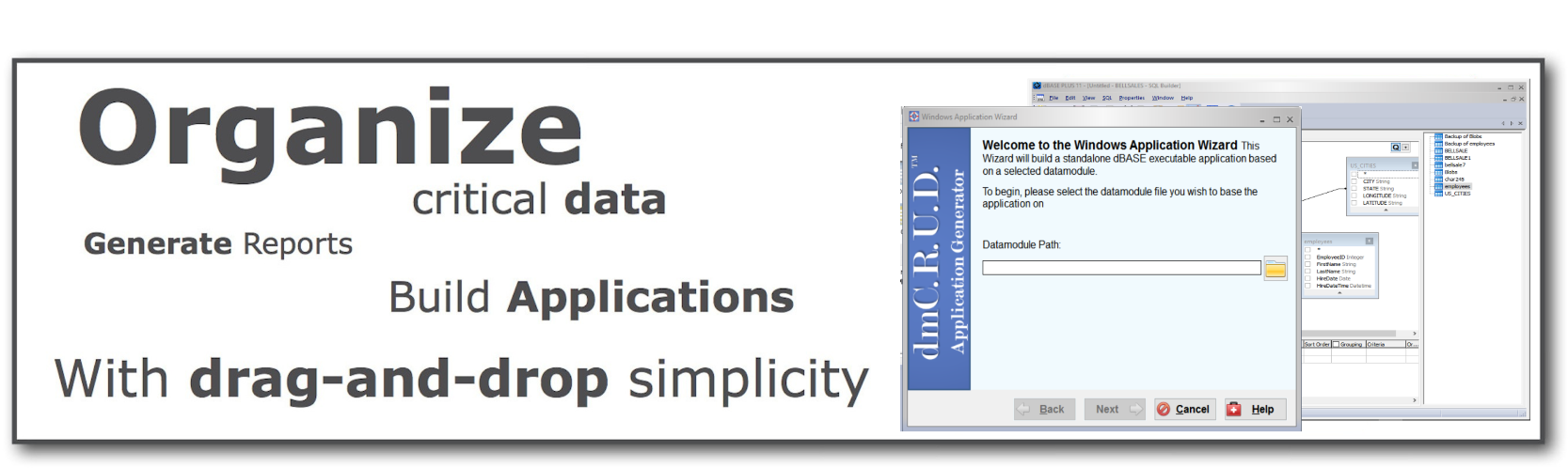
Productivity is always at the top of the list when it comes to building a new version of dBASE™ PLUS. With the NEW dBASE™ PLUS 11, you can actually make data-driven Windows® applications that use touch and are optimized for working on touch-devices and tablets. dBASE™ PLUS 11 reintroduces web development with dBASE™ and adds key new technologies to make it better than ever before. In addition, the new dBASE™ Plus 11 introduces a series of Assist™ technologies to speed users’ development of Data Modules, Auto-Generated Applications, and a new way of outputting the data. The new dBASE™ PLUS 11 builds on the prior releases of the product. The updated product includes a modern object oriented programming language (dBL) that runs on 32 and 64-bit versions of Microsoft Windows® operating systems, including the latest official version, Windows® 10!
The new dBASE™ PLUS 11 updates how you build a wide variety of applications including web applications running either IIS or Apache, rich client Windows® applications in either 32 or 64-bit operating systems, middleware applications, as well as server based applications. In addition, all compiled standalone applications can be distributed royalty free!
The new dBASE™ PLUS 11 brings new functionality to almost every part of the product. This includes the introduction of the Assist™ technology, New touch with gestures support, and enhanced tablet support. dBASE™ PLUS 11 also introduces new functionality with stronger support for working with data output, application generation, and improved web support with dmOutput™, dmC.R.U.D.™ and dmWEB™ with Assist™ technology. These were the top requested features from our annual survey of dBASE users.
Here are some of the product areas that have been updated in dBASE™ PLUS 11 that will dramatically improve the product and your productivity:
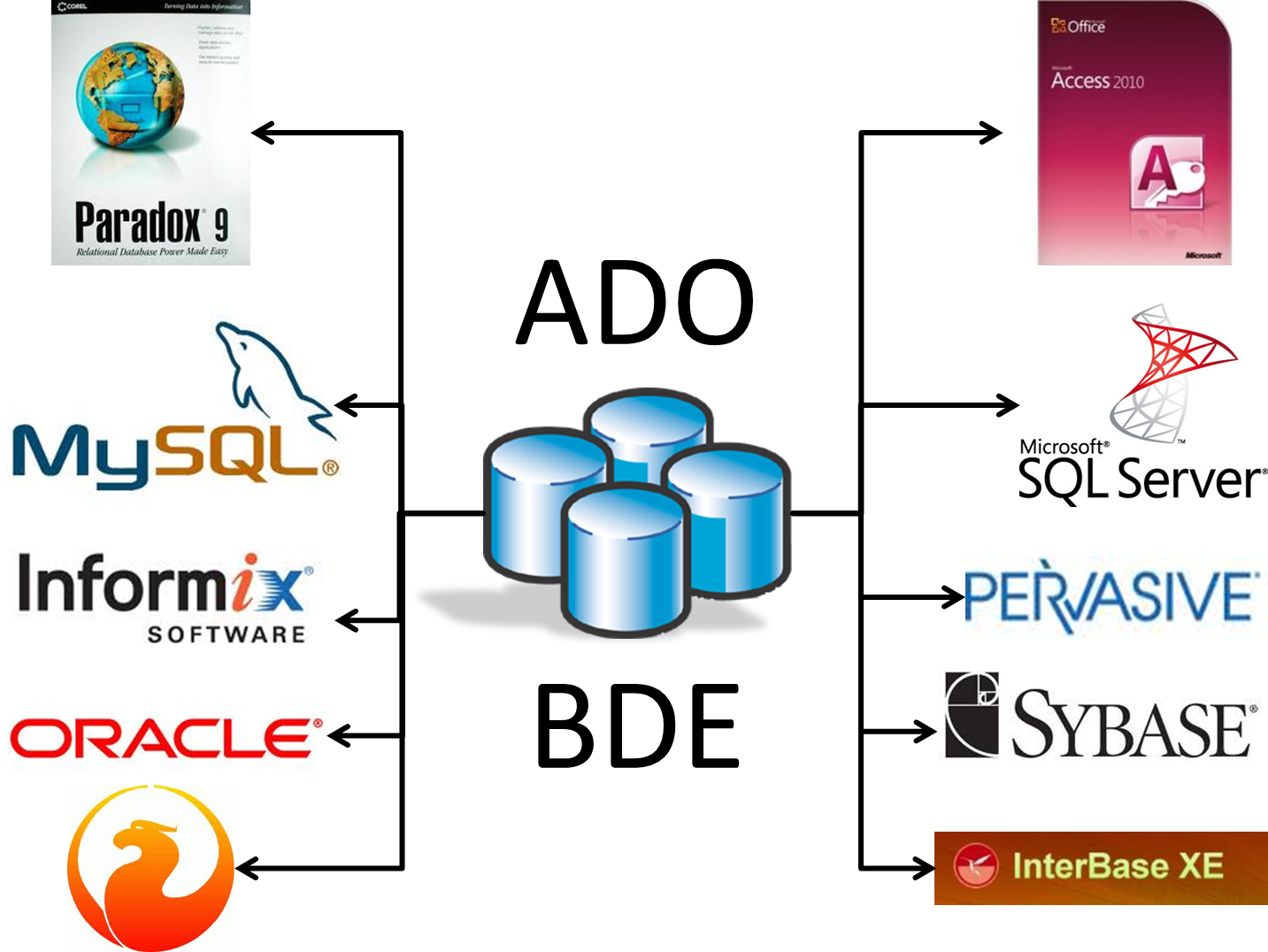
[jbox color=”blue” jbox_css=”margin-bottom: 20px;”]dBASE™ PLUS 11 comes ready to support your robust database applications that can access most modern database engines. In addition, other databases can be accessed via ADO and ODBC and it also supports access to its native .dbf tables (levels 3, 4, 5, and 7) as well as Paradox (.db) tables, FoxPro and Visual FoxPro tables.
[raw]
|
Try it free 30 days! |
| Product Info |
|---|
| Product Overview |
| Features in Depth |
| System Requirements |
| Product FAQ |
|